前言
開始學習 Angular 之前,需要先安裝好開發環境。這篇文章將帶你一步步完成 Angular 開發環境的建置。
Visual Studio Code
IDE 推薦使用 Visual Studio Code。
安裝 Extensions:Angular Extension Pack
安裝 NodeJS
安裝 NodeJS LTS 版本,於環境變數中的 Path 新增 nodejs 的安裝路徑。
在 terminal 輸入 node -v,測試 nodejs 確認安裝是否成功。
$ node -v
v18.16.0
安裝 Angular CLI
這邊我們使用 Angular 16 版本,
輸入 npm install -g @angular/cli,
再輸入 ng version 測試 Angular CLI 確認安裝是否成功
$ ng version
     _                      _                 ____ _     ___
    / \   _ __   __ _ _   _| | __ _ _ __     / ___| |   |_ _|
   / △ \ | '_ \ / _` | | | | |/ _` | '__|   | |   | |    | |
  / ___ \| | | | (_| | |_| | | (_| | |      | |___| |___ | |
 /_/   \_\_| |_|\__, |\__,_|_|\__,_|_|       \____|_____|___|
                |___/


Angular CLI: 16.0.1
Node: 18.16.0
Package Manager: npm 9.6.6
OS: darwin x64

Angular:
...

Package                      Version
------------------------------------------------------
@angular-devkit/architect    0.1600.1 (cli-only)
@angular-devkit/core         16.0.1 (cli-only)
@angular-devkit/schematics   16.0.1 (cli-only)
@schematics/angular          16.0.1 (cli-only)
Angular CLI
可輸入 ng help 查詢其所提供的指令
比較常用到的指令:
建立新專案:
ng new <app 的名稱>建立 component:
ng g c <component 的名稱>建立 service:
ng g s <service 的名稱>建立 module:
ng g m <module 的名稱>建立 directive:
ng g d <directive 的名稱>建立 pipe:
ng g p <pipe 的名稱>建立 guard:
ng g g <guard 的名稱>建立 class:
ng g cl <class 的名稱>建立 interface:
ng g i <interface 的名稱>建立 enum:
ng g e <enum 的名稱>建置專案:
ng build啟動專案:
ng serve
Angular CLI Options
可以在指令後加上 Options,
像是 ng new <app 的名稱> --routing --style-scss --skip-git --skip-install --skip-tests
常用到的 Options:
--standalone: 建立獨立元件, 不會建立在 module 中--routing: 使用路由模組--dry-run: 執行前先模擬, 不會真的建立檔案--skip-git: 不會建立 git 相關檔案--skip-install: 不會安裝 npm 套件--skip-tests: 不會建立測試檔案--skip-e2e: 不會建立 e2e 測試檔案--style-scss: 使用 scss 樣式--directory: 指定建立專案的目錄
建立新專案
在 terminal 輸入 ng new test-for-standalone-1 --standalone --skip-tests:
$ ng new test-for-standalone-1 --standalone --skip-tests
? Would you like to add Angular routing? Yes
? Which stylesheet format would you like to use? CSS
CREATE Test/angular.json (2690 bytes)
CREATE Test/package.json (1035 bytes)
.
.
.
    Successfully initialized git.
IDE 開啟專案,
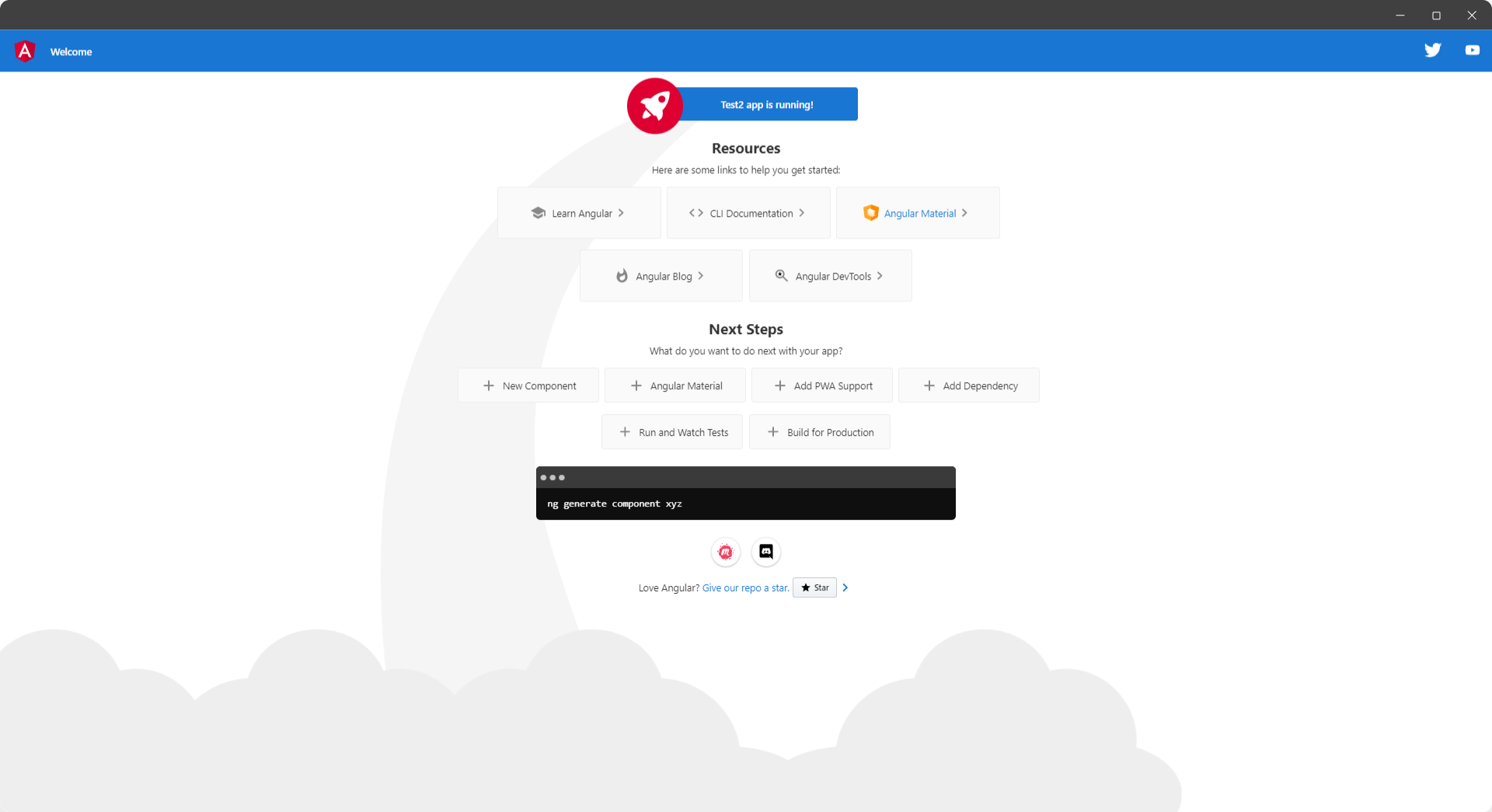
IDE terminal 輸入 ng serve,
第一次啟動編譯時間會較長一些,
Server 預設啟動在 4200 Port
參考
可以參考這一篇文章
更多 Angular CLI 介紹